 Skye Desk
Public beta · macOS
From dataset to samples, in one Mac app.
Organise images, edit captions, set up training, plan generations and compare checkpoints — one project from start to finish.
Built for products, clothing, characters, styles and effects — with a preset and caption rules for each type (presets coming soon).
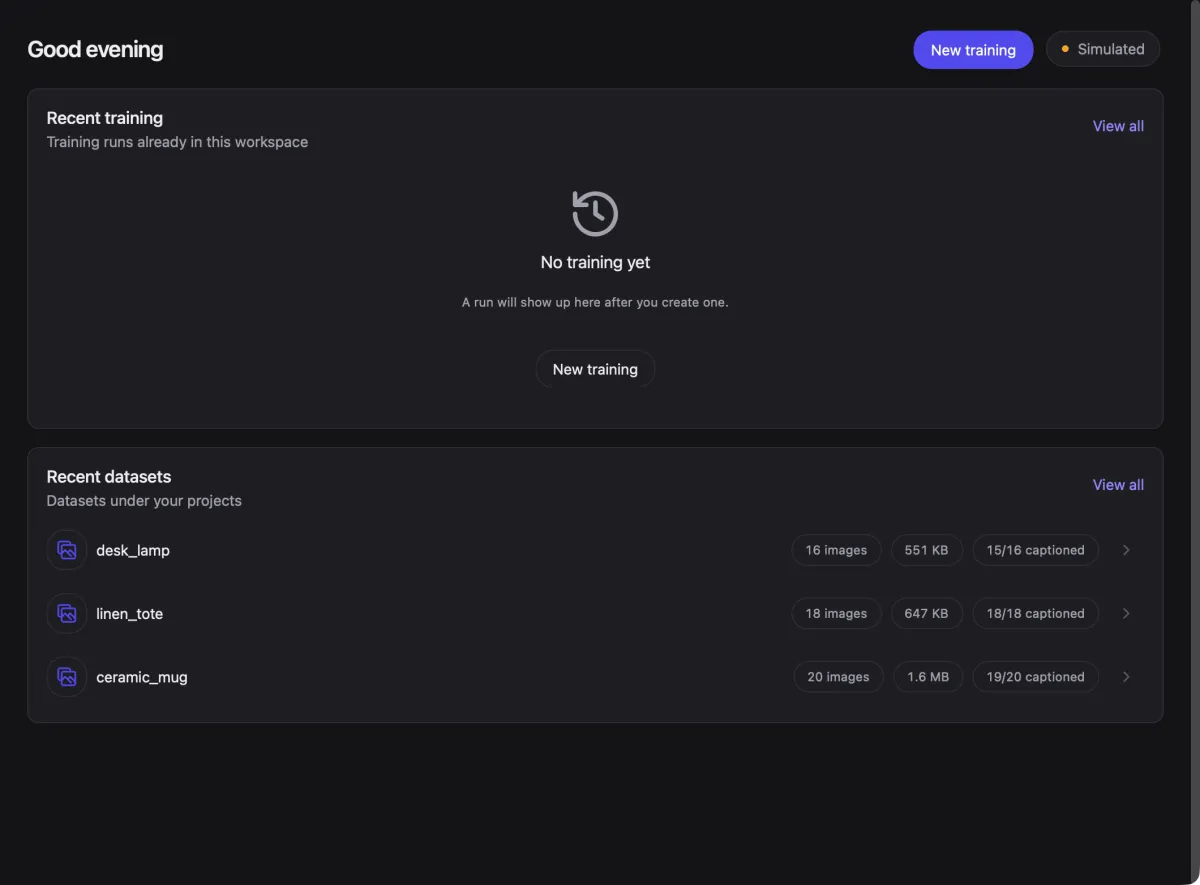
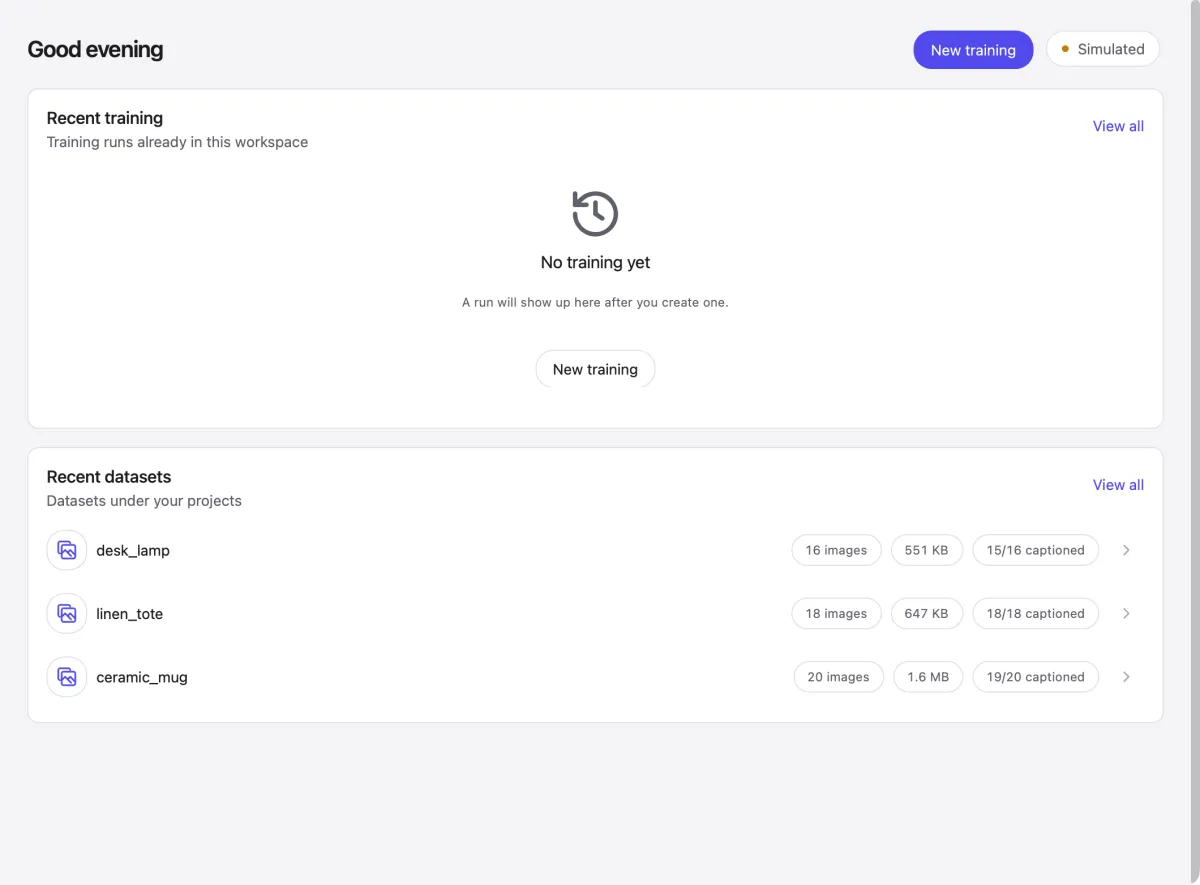
Dataset and caption tools work today. Training runs on a simulated backend during the beta.


How it works
Five stages, one project
- Edit one by oneEdit each caption in text or tag mode; it saves as you type.Available
- Batch replaceFind and replace, or add a trigger word, across the whole set.Available
- Preview, apply, undoSee every change first; undo keeps captions you edited later.Available
- AI round tripExport for an external AI, review its drafts, import them back.Coming soon
- Choose a presetStart from a preset, then set steps, learning rate and resolution.Demo mode
- UploadPackage the dataset for the GPU provider.Demo mode
- LaunchStart the run with the time and cost estimate in view.Demo mode
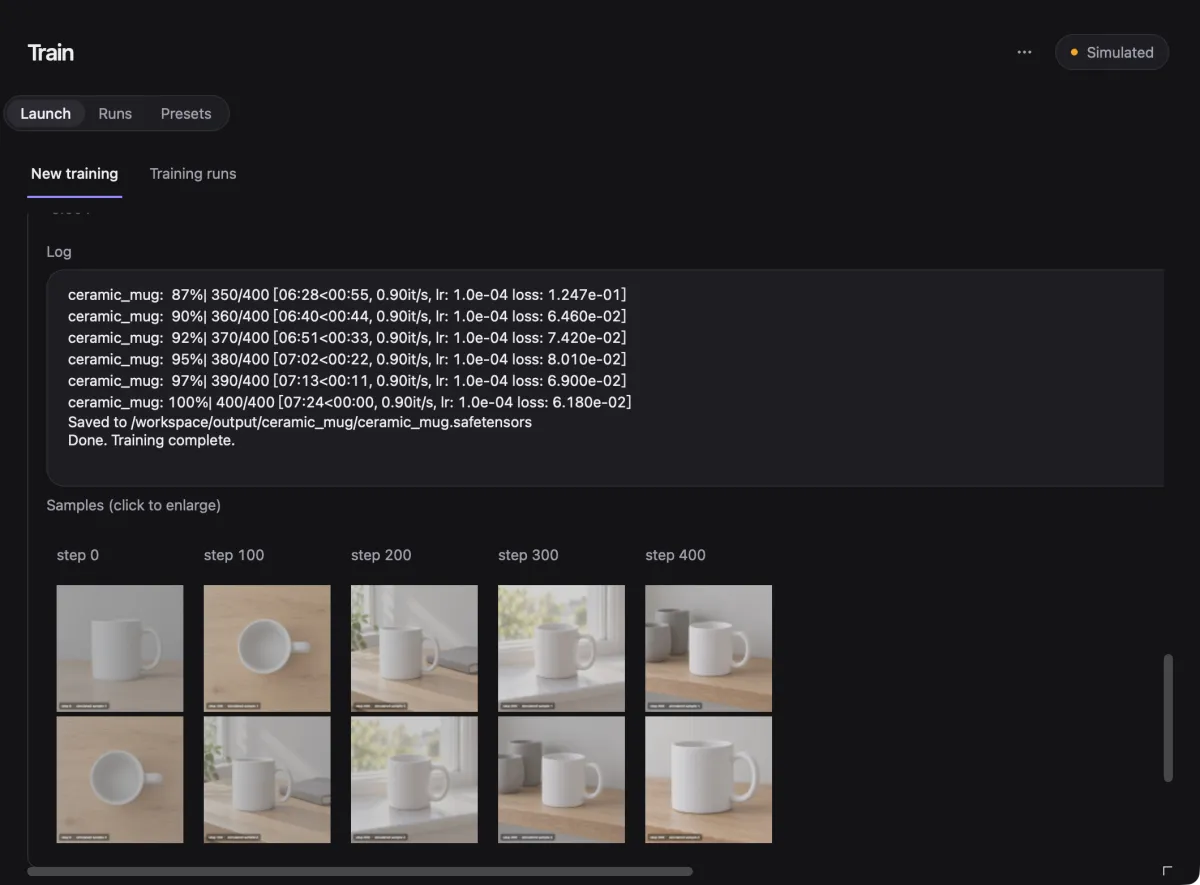
- Live progressFollow the log, loss and step samples as they arrive.Demo mode
- ReclaimAn idle Pod reminder, so a GPU never bills for nothing.Demo mode
- Prompt per numberGive each image number its own prompt and negative prompt.Available
- Copy workflowCopy the project workflow, then generate externally in ComfyUI.Available
- Kept / Inbox sorted by image numberImport external results into the matching number’s Inbox. Unmatched filenames are skipped.Available
AvailableDemo modeComing soon
01 / Organise
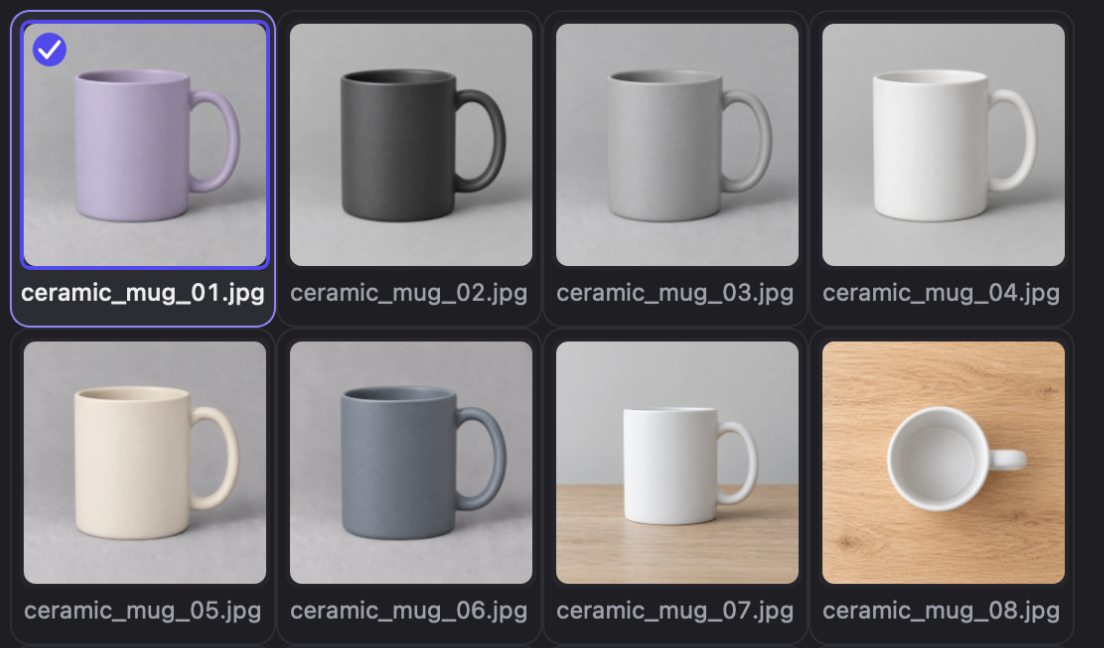
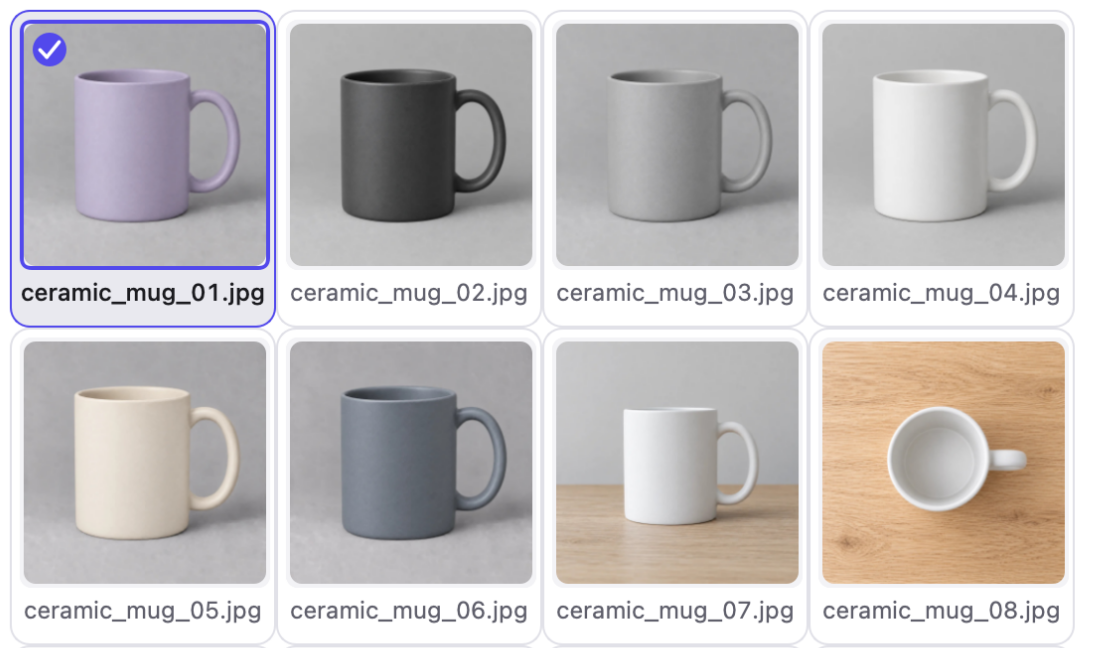
See every image, and what it's missing
AvailableImages and captions side by side, with dataset checks built in.
- Adjustable thumbnails, filters and search across names and captions
- Checks flag missing, empty and orphan captions
- Top tags show the share of images that carry each one
02 / Caption
Change captions with a safety net
AvailableEvery batch change is previewed file by file before anything is written.
- Find and replace, trigger words and new captions in batches
- Text or tag mode for single captions, saved as you type
- Undo that respects your later edits
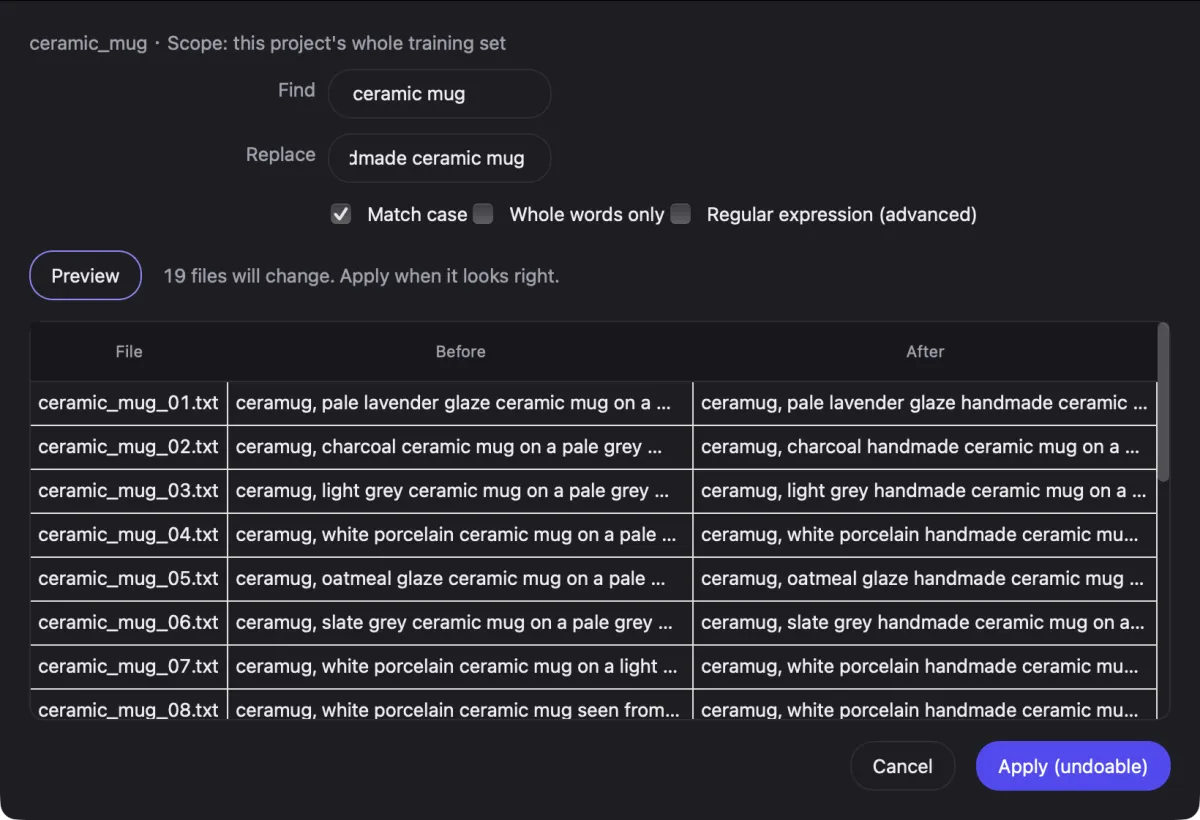
Find ceramic mug Replace handmade ceramic mug
 ceramic_mug_01.txtceramug, pale lavender glaze ceramic mug on a pale grey studio backdropceramug, pale lavender glaze
ceramic mughandmade ceramic mug on a pale grey studio backdropceramug, pale lavender glaze handmade ceramic mug on a pale grey studio backdrop ceramic_mug_02.txtceramug, charcoal ceramic mug on a pale grey studio backdropceramug, charcoal
ceramic mughandmade ceramic mug on a pale grey studio backdropceramug, charcoal handmade ceramic mug on a pale grey studio backdrop ceramic_mug_03.txtceramug, light grey ceramic mug on a pale grey studio backdropceramug, light grey
ceramic mughandmade ceramic mug on a pale grey studio backdropceramug, light grey handmade ceramic mug on a pale grey studio backdropceramug, light grey handmade ceramic mug, matte finish, on a pale grey studio backdrop
19 files will change. Apply when it looks right.19 files written. Undo is available.Undid 18 files; 1 was edited later and left alone.
03 / Train
Set up a run without leaving the app
Demo modeChoose settings, start a run, then follow the log and step samples in one place.
- Presets, steps, learning rate and save intervals on one page
- Cost and time estimate before the run starts
- Idle Pod reminder, so a GPU never bills for nothing
Coming during the beta: live GPU training. Supported base models will be listed once verified.
04 / Generate
Plan generations by image number
AvailableGive each image number its own prompt, then generate in your ComfyUI.
- Prompt and negative prompt per image number, with history
- Kept / Inbox sorted by image number
- Copy the project workflow, generate externally, then import results
Images are generated in your own ComfyUI; reference images are for comparison only.
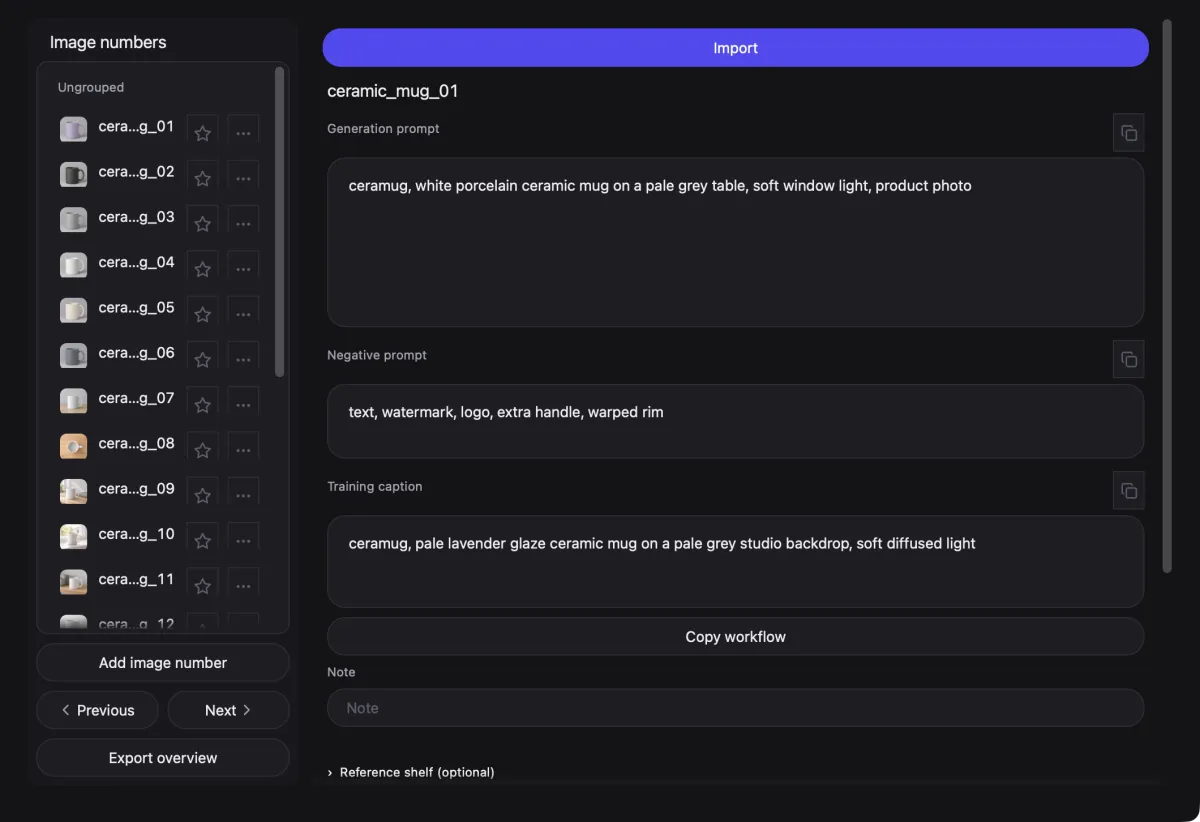
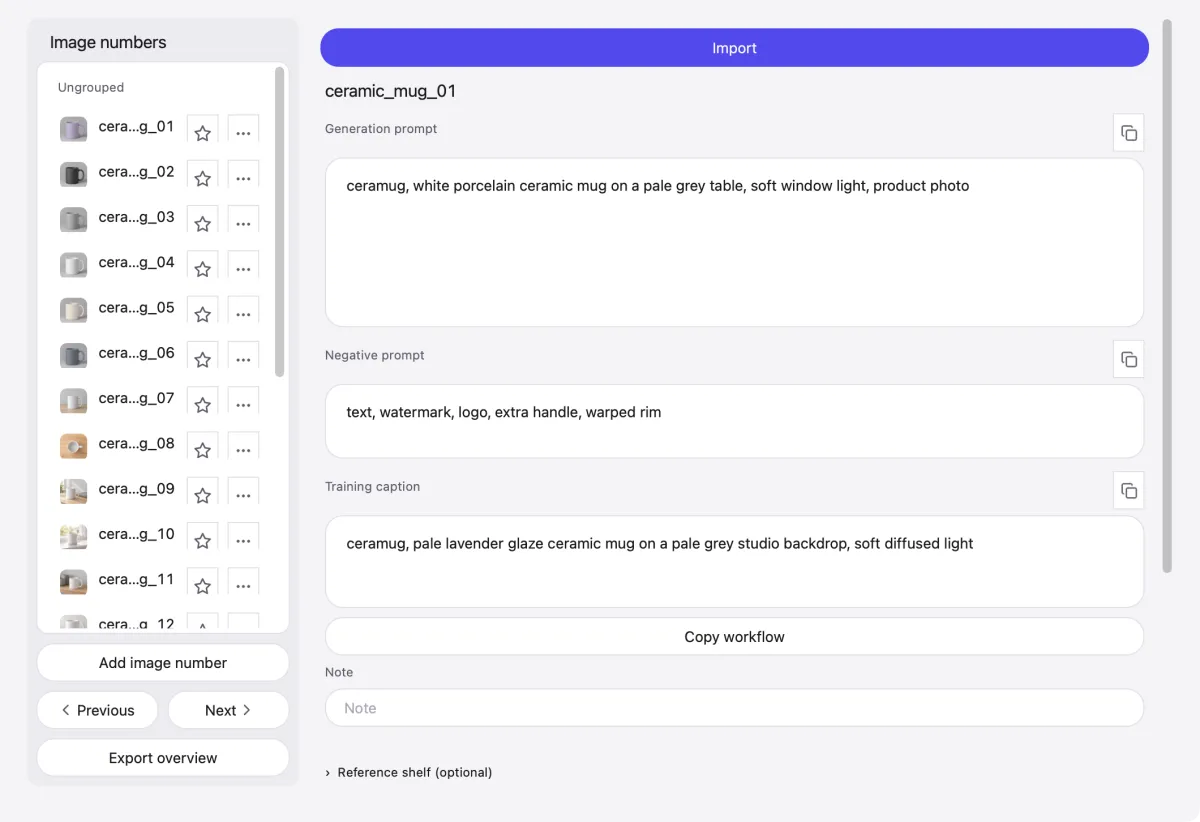
Batch generation with your own ComfyUI workflow
- Export your workflow. In ComfyUI, export the workflow you want as JSON.Available
- Add it to the Library. Put the JSON in Skye Desk’s Library › Workflows and attach it to the project.Available
- Write prompts per image. On Generate, give each image number a prompt and a negative prompt.Available
- Fill the workflow. Skye Desk writes each number’s prompts into the workflow for you.Coming soon
- Run in ComfyUI. Copy the project workflow, then run it in your external ComfyUI.Available
- Batch submit. One click sends every number to your local ComfyUI.Coming soon
- Bring results back. Import external results; matching filenames go into the existing image number’s Inbox.Available
- Sort by image number. Names such as 01.png and 01_anything.png go to number 01. Unmatched files are skipped; no new numbers are created.Available
ComfyUI is optional and external. Generate does not call it: copy the workflow, generate externally, then import the results.
05 / Compare
Pick the best checkpoint by eye
Demo modeSamples from every saved step side by side, then one version to keep.
- One sample grid per run, step by step
- Blind tests hide step numbers so they cannot sway you
- The blind-test winner is selected in the results table
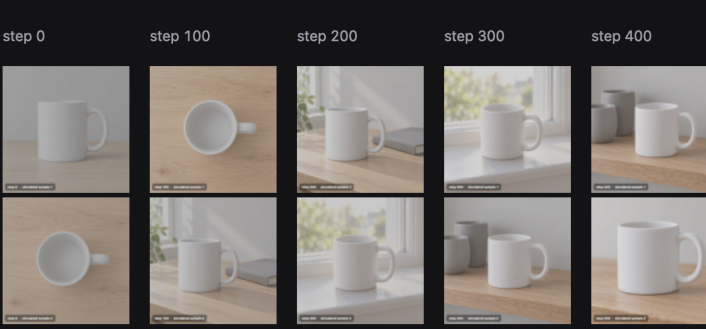
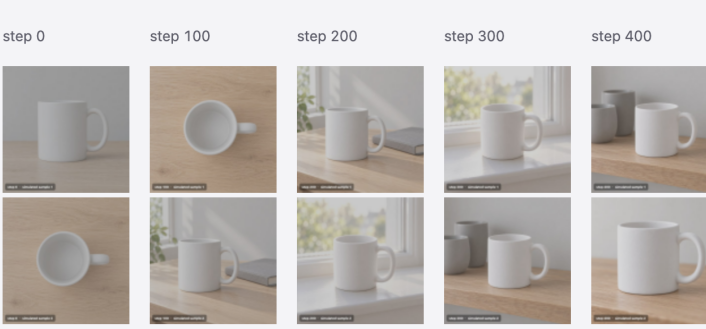
Review → Refine → Repeat. Spot a weak checkpoint, fix the images or captions, run again.
Library
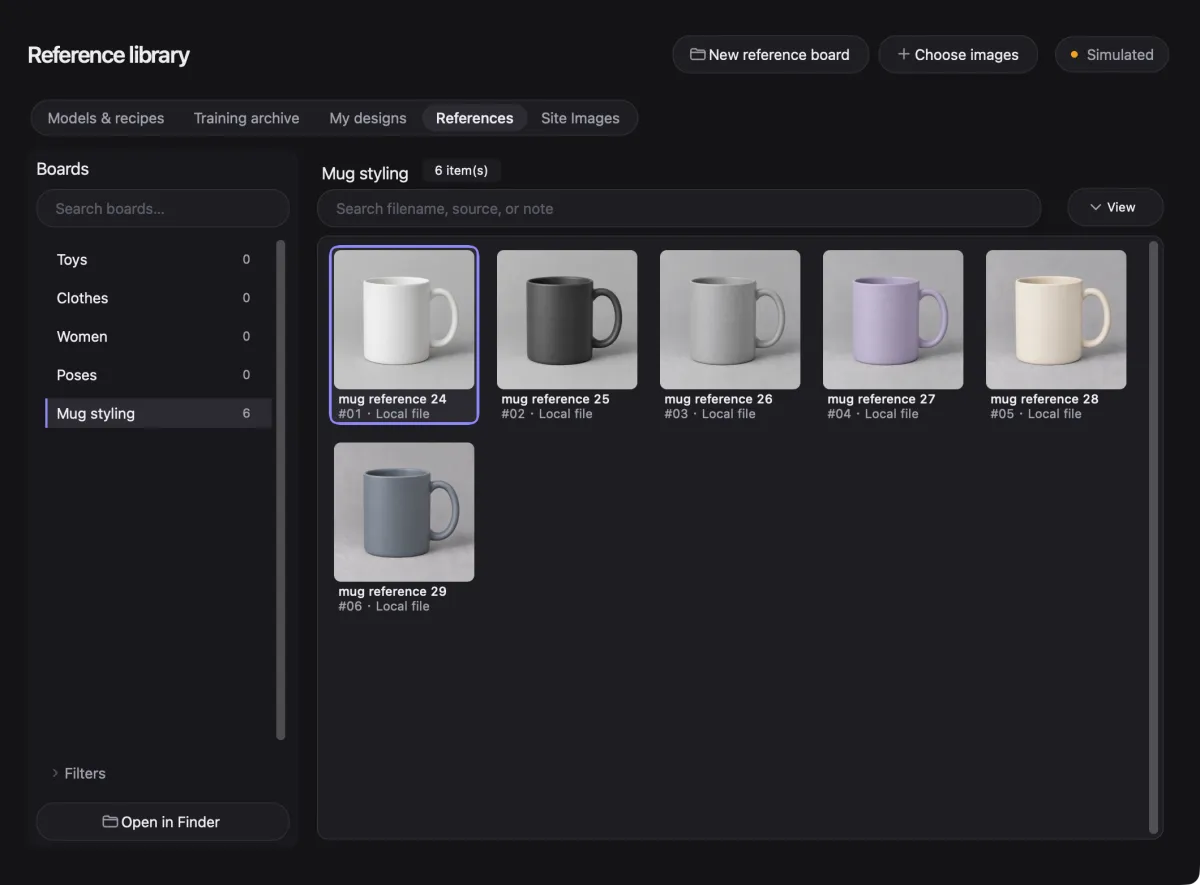
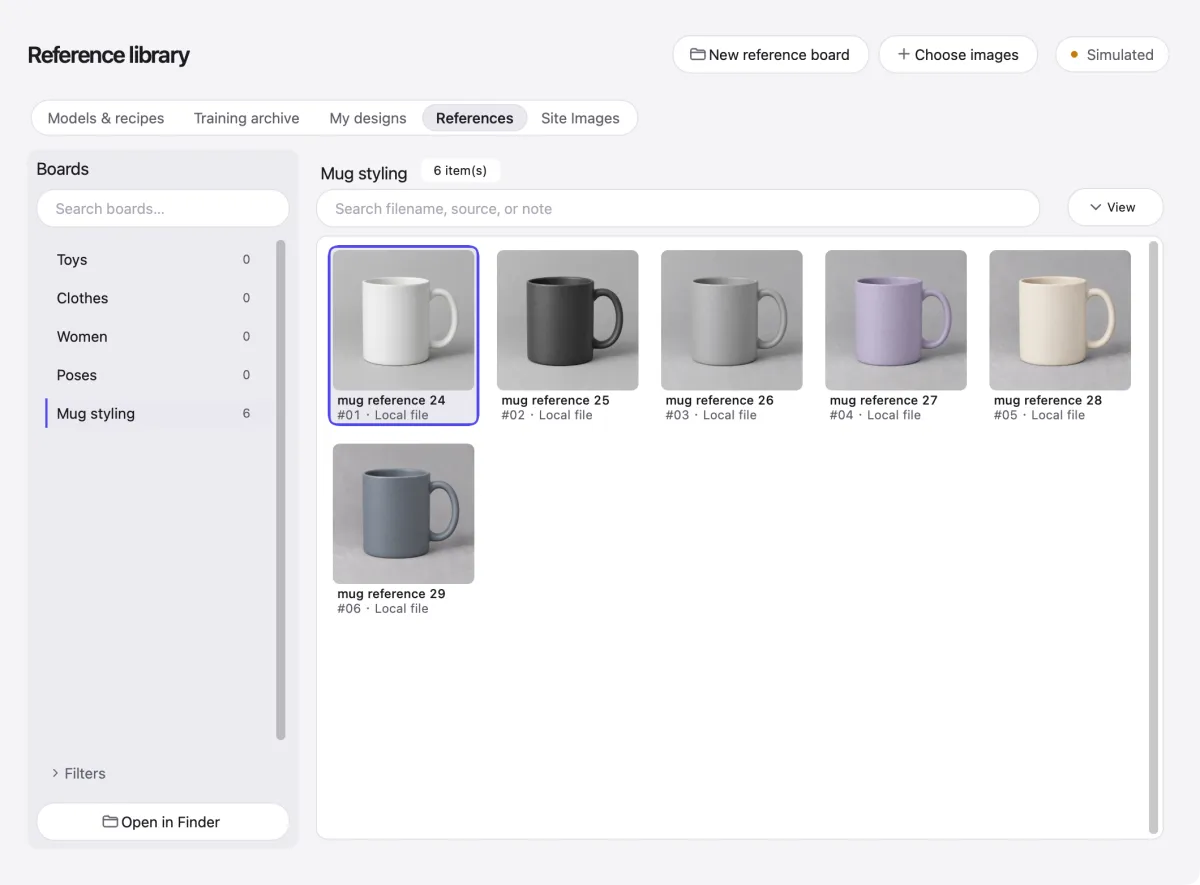
Reference boards that never leak into training
AvailableModels, recipes, Comfy workflows, a training archive and reference boards.
- Reference boards never enter a training set
- Training archive keeps LoRA versions and generation records
- Workflow templates ready to copy into a project
Small things that save time
- Captions save as you type.
- ⌘K searches pages, actions and projects.
- ⌘1–⌘7 jump straight to each page.
- Next-step hints on Projects and training runs.
- Connection status on each page, one click from Connections.
- Simulated mode runs the whole flow at no cost.
- Cost and time estimate before a run starts.
- Idle Pod reminder after 5 to 60 minutes.
- Blind tests hide step numbers.
- Undo skips captions you edited afterwards.
- Follows your system theme and language (English or Chinese).
- Imports JPG, PNG, WebP and BMP; HEIC and TIFF are converted.
Files and pricing
- Your files stay on your Mac — Skye Desk never uploads them on its own.
- Free during the public beta.
- If that ever changes, beta users hear first.
- GPU time is billed by your provider, not by us.
Get notified when downloads open
Leave your email and confirm it to receive a launch reminder.
The reminder list is not open yet.
Download coming soon. Email support if you need to reach us. This site does not store the address. Privacy policy