
Pick the final version blind
Vote between two versions without knowing which is which. The truth comes out after.
Ready in the first beta Skye DeskBeta
Photos, captions, datasets and every training run, managed in one place. Organise, check, train and pick the best version – without hunting through folders.


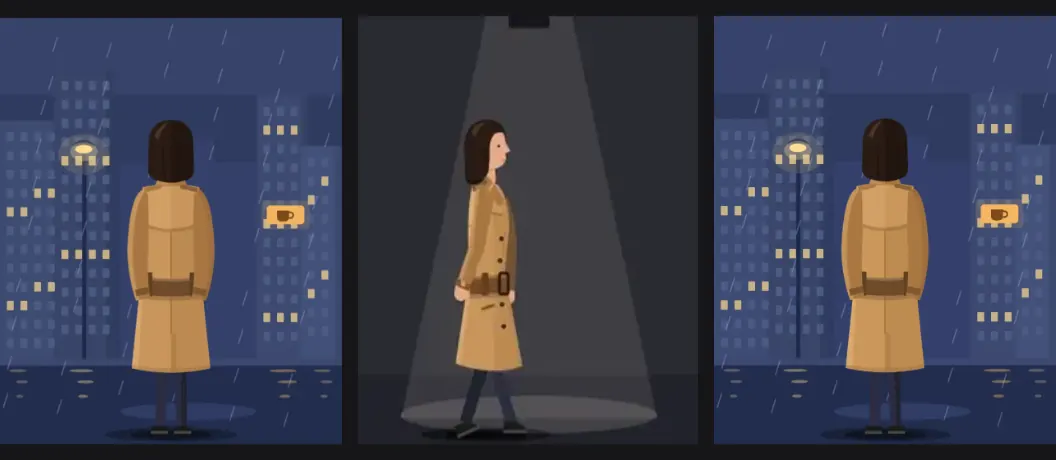
Ask for your coat four times and you get four different coats. A LoRA teaches it the real one.


Four pictures, four different coats.Four pictures, one coat.
Point at a card to see it work. On a phone, tap it.
Vote between two versions without knowing which is which. The truth comes out after.
Ready in the first beta
Each test picture at each step, side by side. The best column stands out.
Ready in the first beta
Duplicates, blurry, tiny or dark photos and a wrong trigger word are caught first.
Ready in the first beta
Point at a setting and it tells you what it does.
Ready in the first beta
Drop in a picture made in ComfyUI and get its workflow back.
Ready in the first beta
The overview shows where each project stands and what to do next – right up to picking the final version.
Ready in the first beta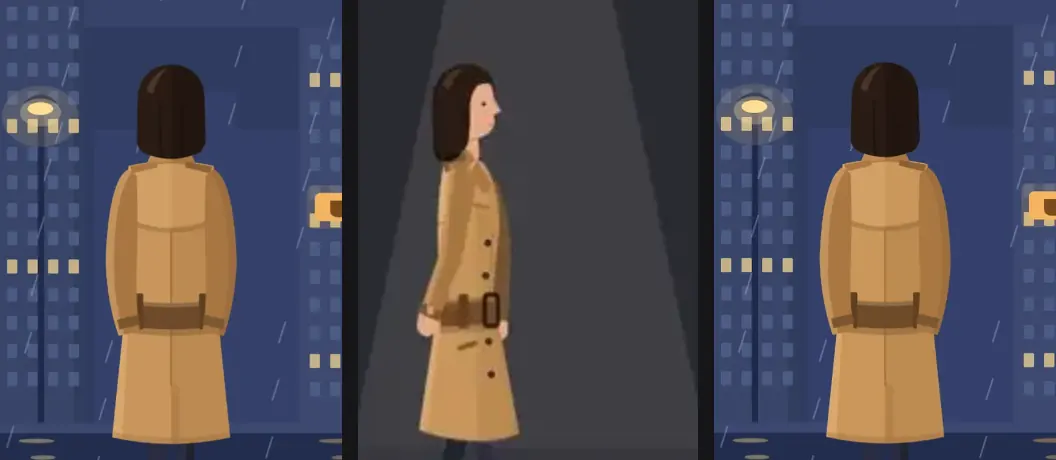
Zoom into one picture and the others follow.
Ready in the first beta
Swap one word in every description at once – and undo it in one go.
Ready in the first betaPut your photos in, see every one properly, and catch the ones that would spoil the training.
Drop photos or folders on the grid, or paste with ⌘V. You see what will come in first, and exact copies are skipped.
Ready in the first betaPhotos that are almost the same are marked, and you can open the pair side by side to choose one.
Ready in the first betaAlso in this chapter, shown above: A check-up before training · Pick up where you left off
One sentence per photo teaches the AI what it is looking at. Skye Desk keeps the sentences tidy.
Add, remove or fix the trigger word (the made-up word that calls up your subject) in one go.
Ready in the first betaTags sorted by how often they appear, with a hint when a word is on every photo or only once.
Ready in the first betavell, front view, studio lightVell_, side view, studio lightvell, walking on a rainy streetcoat, vell, by the seaAlso in this chapter, shown above: Change a word everywhere
Pick a preset and every setting explains itself. Everything is checked before a run starts.
Five built-in starting points plus your own – apply, save or delete, and undo any of it.
Ready in the first betaPhoto count, captions, trigger word, words that shouldn't be there, duplicates and size are checked before a run.
Ready in the first betaWatch the learning curve and new sample pictures while a run is going.
Coming laterAlso in this chapter, shown above: Every setting says why
Training saves a few versions. Line them up, compare them fairly and keep the best one.
Mark the winner as the final version in one click – and undo it if you change your mind.
Ready in the first betaA table of two runs' settings with the differences highlighted.
Ready in the first betaAlso in this chapter, shown above: Pick the final version blind · Every version in one grid · Side by side
Make new pictures, keep the good ones, and find every workflow and reference again.
A to pass, X to reject, many at once, and ⌘Z to take it back.
Ready in the first betaAdd a result to your training photos in one click; duplicates are skipped.
Ready in the first betaBoards for clothes, poses and more – drag pictures in and they are numbered for you.
Ready in the first beta Prompt only
 With your LoRA
Also in this chapter, shown above: Workflows from your pictures
The app windows are the real Skye Desk 1.0 Beta with a made-up example project.
Point at a picture to see it in another scene.


The first beta opens soon and is free while it lasts. Leave your email and we’ll tell you the moment it opens.
The pictures are illustrations; the app windows are the real Skye Desk 1.0 Beta with a made-up example project.


